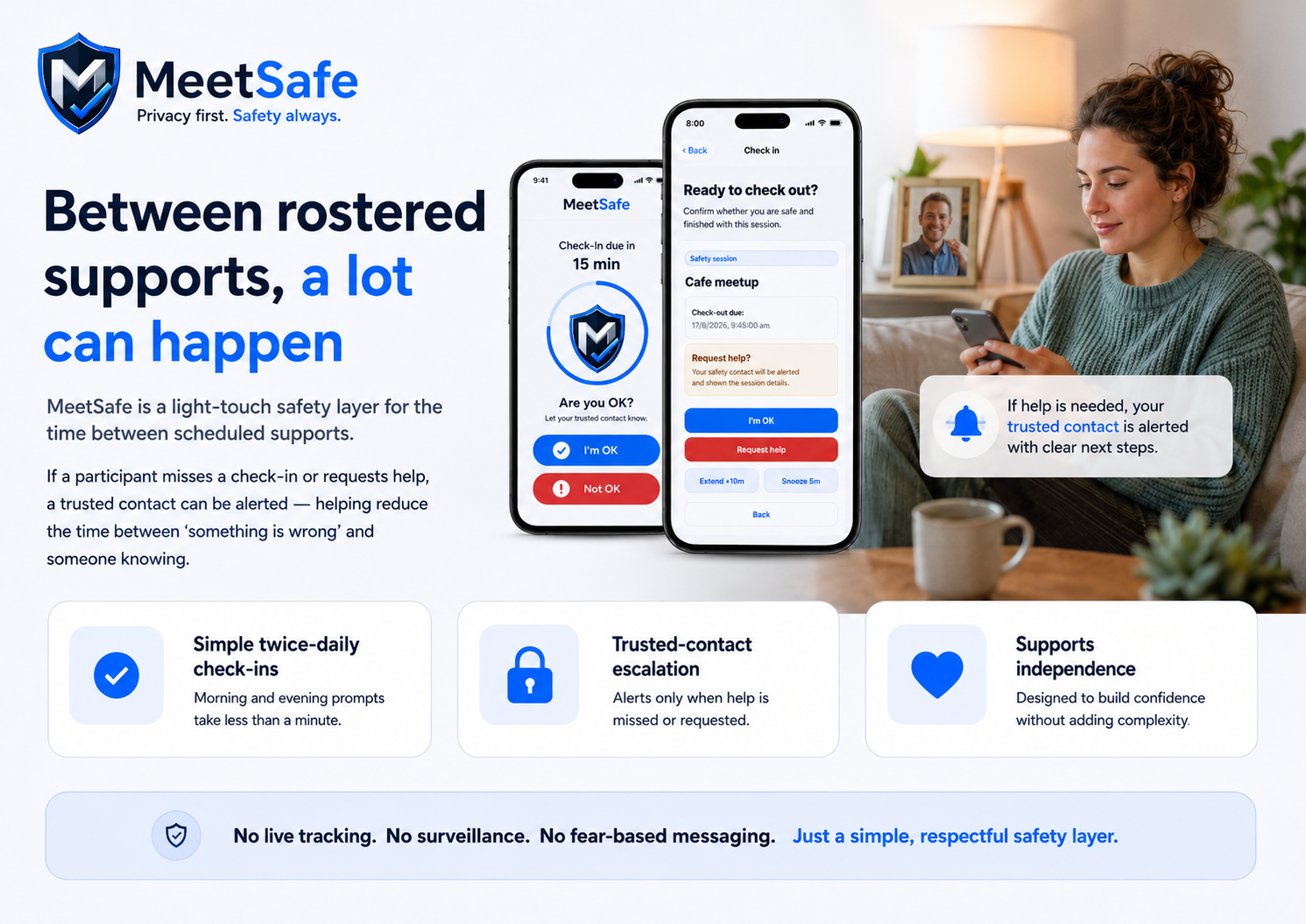
A calm way to reduce the gap between supports.
A participant may be completely fine when a support worker leaves at 10am. But if something changes at lunchtime, the next scheduled visit may be the first time anyone knows.
MeetSafe is designed to reduce that gap.
With simple twice-daily check-ins, a participant can confirm they are okay in seconds. If they miss a check-in or request help, a trusted contact can be alerted.
Provider-safe positioning
It is not continuous tracking. It is not surveillance. It is not a replacement for emergency services.
It is a simple safety layer for the time between rostered supports.
Check-ins first, alerts only when needed.
MeetSafe keeps the flow simple enough for participants, families, and support teams to understand quickly.
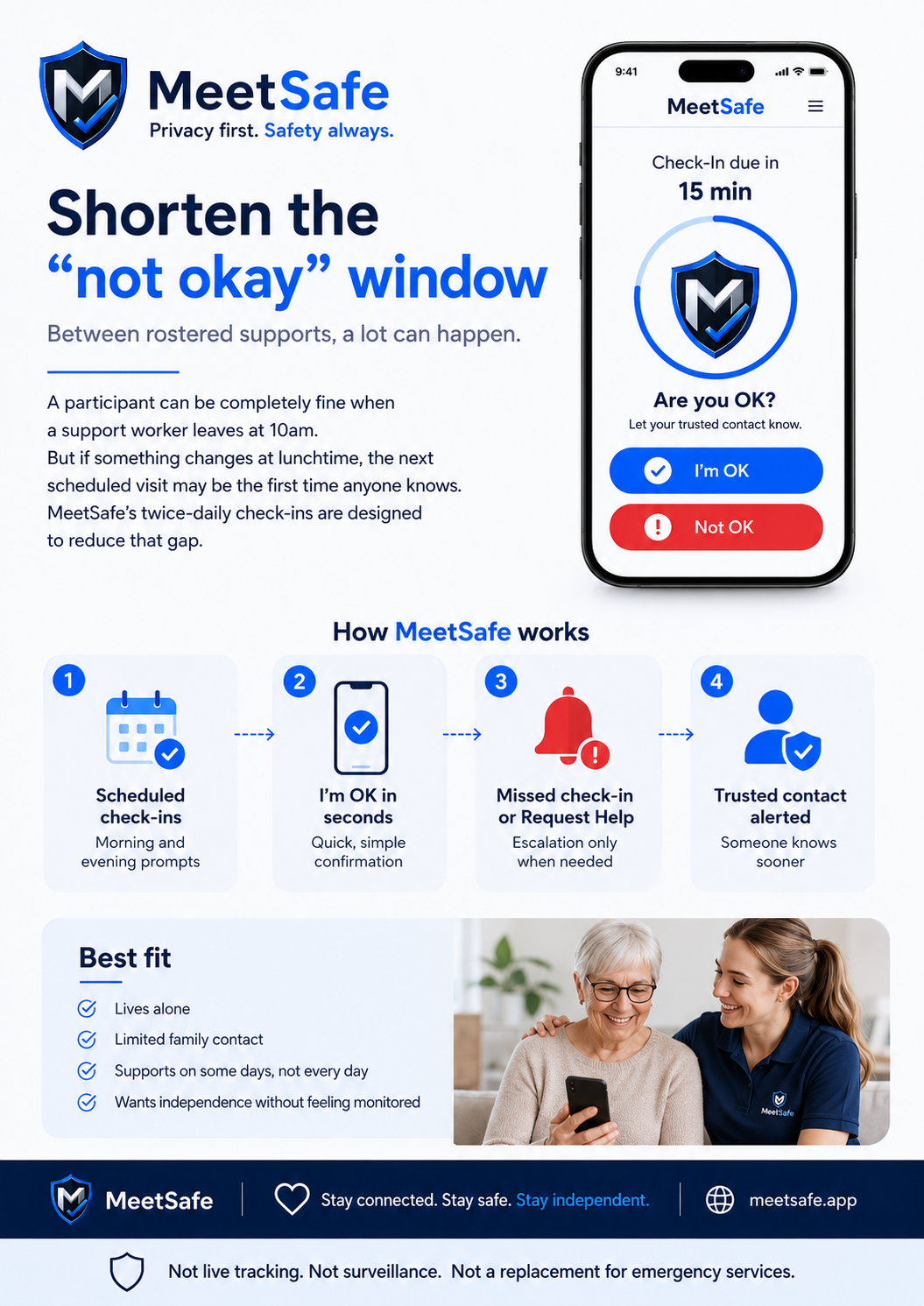
For people who want independence without feeling monitored.
- Lives alone
- Limited family contact
- Supports on some days but not every day
- Benefits from routine check-ins
- Wants independence without feeling monitored
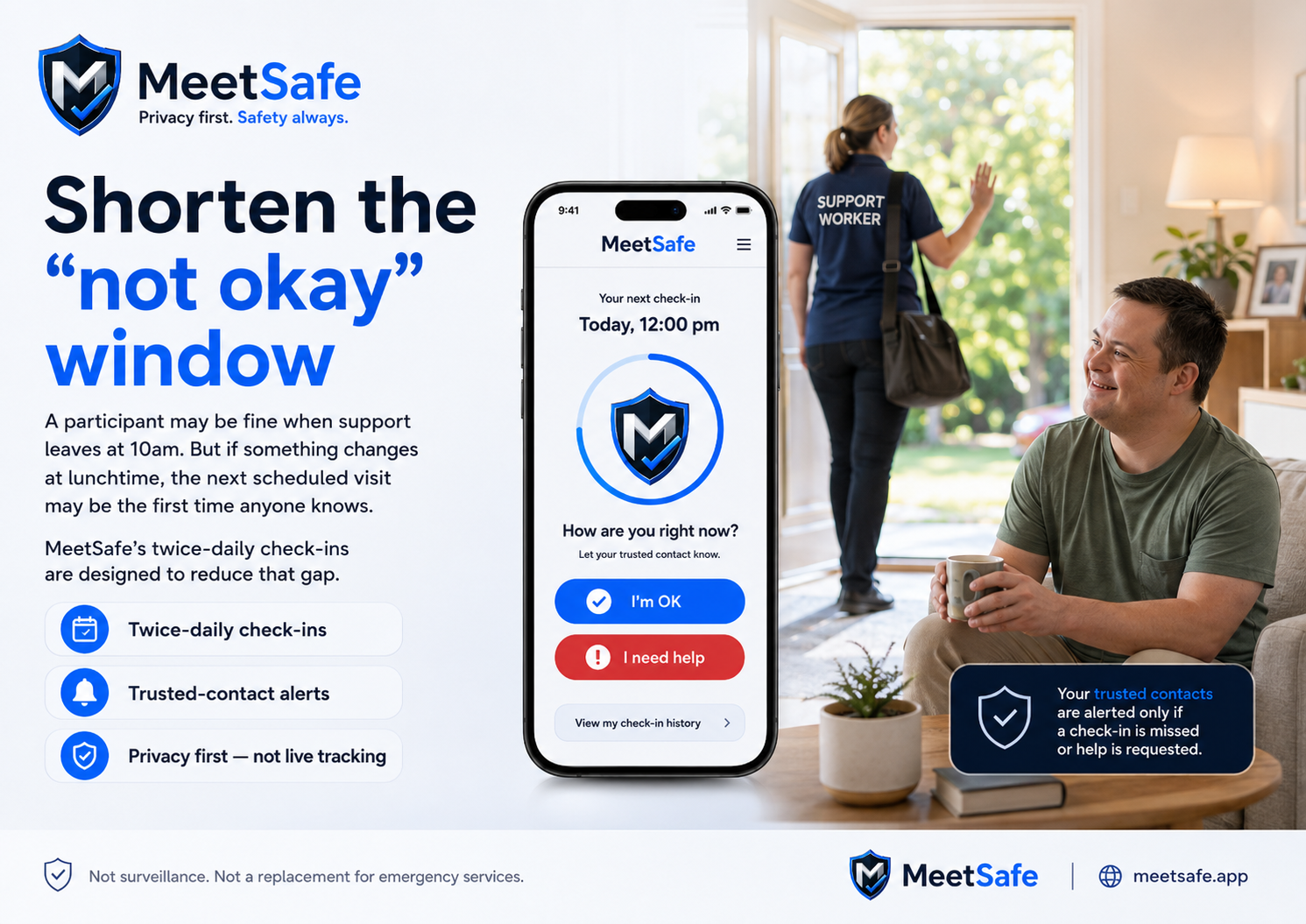
A respectful check-in option to share with participants.
Provider pilots can introduce MeetSafe with QR links, plain-language onboarding, and calm messaging that supports independence.
Between rostered supports, a lot can happen. MeetSafe’s twice-daily check-ins are designed to shorten the “not okay” window while keeping alerts limited to missed check-ins or help requests.
- MeetSafe is not an emergency service.
- MeetSafe does not replace emergency services.
- MeetSafe is not continuous tracking or surveillance.
- MeetSafe is a privacy-first check-in tool for missed check-ins and help requests.